
PixelFlow as a ComfyUI Alternative
A cloud ComfyUI alternative with no GPU, no install, and no Python: build node-based AI workflows in the browser and publish them as production REST APIs.
If you like ComfyUI's node-based way of building AI pipelines but not the GPU bills, Python environments, and custom-node maintenance, PixelFlow gives you the same graph mental model as a hosted service — running in the browser, backed by Segmind's model catalog, with one-click publishing to a REST API.
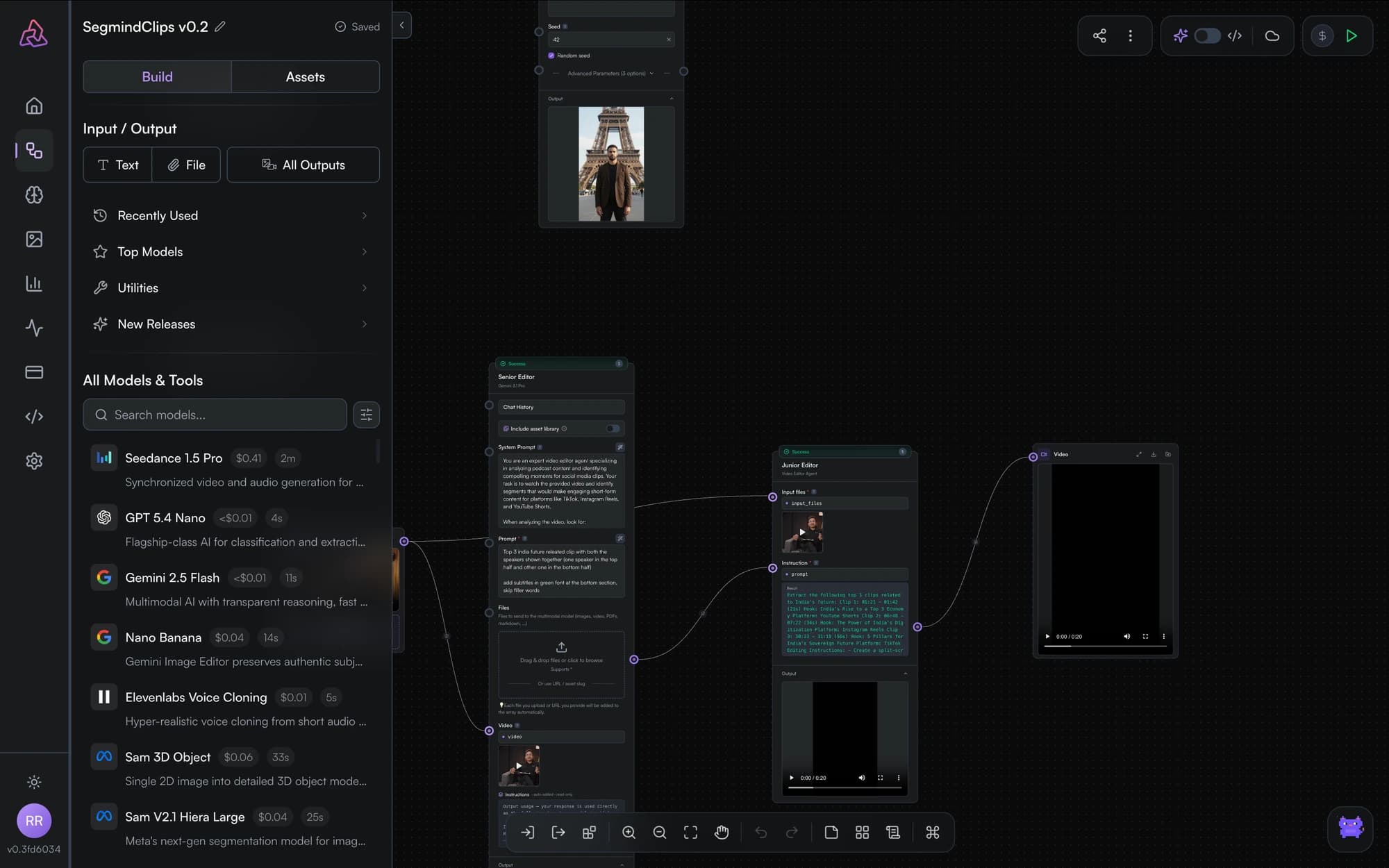
PixelFlow vs. ComfyUI
| PixelFlow | ComfyUI | |
|---|---|---|
| Setup | None — sign in and build | Local install, Python env, model checkpoints |
| Hardware | Segmind's cloud GPUs, pay per call | Your GPU (or a rented one, always-on) |
| Models | Hosted catalog: image, video, audio, LLMs | Checkpoints and custom nodes you manage |
| Updating models | Automatic — catalog is maintained for you | Manual downloads, version conflicts |
| Workflow → API | Built in, one click, versioned | Requires extra tooling or wrappers |
| Collaboration | Share by email or team | Export/import JSON files |
| Extensibility | Catalog models + utilities + fan-out | Custom Python nodes |
When ComfyUI is the better fit: you need custom Python nodes, exotic community extensions, or fully offline/air-gapped operation. PixelFlow trades that low-level control for zero maintenance and a production API path.
The familiar parts
Coming from ComfyUI, you already know how to use PixelFlow:
- Nodes and edges — same graph model. Input → model → output, connected by dragging between ports.
- Inpainting — paint masks directly in the input node.
- Caching — pinning plays the role of ComfyUI's cached executions, with explicit control.
- Templates — like sharing workflow JSONs, but hosted and cloneable.
The parts ComfyUI doesn't have
- A real API for every workflow — publish and get a versioned REST endpoint with submit/poll/fetch semantics, auth, and code samples.
- All modalities in one graph — image, video, audio, and LLM nodes from one catalog, including LLM chains with chat history.
- Visual map/reduce — fan-out and collect for batch processing without custom batch nodes.
- Cost transparency — every node shows its estimated cost before you run.
Frequently asked questions
Is PixelFlow a ComfyUI alternative?
Yes — PixelFlow offers the same node-based workflow building in the browser, with hosted models instead of local checkpoints, so there's no GPU, Python environment, or custom-node maintenance.
Do I need a GPU to use PixelFlow?
No. Every model runs on Segmind's cloud infrastructure. You pay per model call with credits instead of renting or owning GPU hardware.
Can I turn a workflow into an API like ComfyUI-as-an-API setups?
Yes, natively. Any PixelFlow workflow can be published as a versioned REST endpoint in one click — no serverless wrappers or deployment tooling required. See publish as an API.
Can I import my ComfyUI workflows?
There is no direct ComfyUI JSON import. Most graphs translate naturally though: checkpoints map to hosted model nodes, LoadImage to file inputs, and SaveImage to output nodes. Build your first workflow covers the moves.
Get started
Workflow API Reference
Call a published PixelFlow workflow over REST: submit to POST /workflows/v2/{slug}, poll the status URL, and fetch results — with cURL, Python, and JavaScript examples.
Build a Text-to-Image API
Build a text-to-image API without writing model code: wire a prompt input to an image model in PixelFlow, publish it, and call your endpoint from any app.