
Sharing and Collaboration
Share PixelFlow workflows with teammates by email or team, duplicate workflows, and export them as reusable templates for your organization.
Workflows don't have to live alone in your library — share them with individuals, your whole team, or export them as templates anyone can clone.
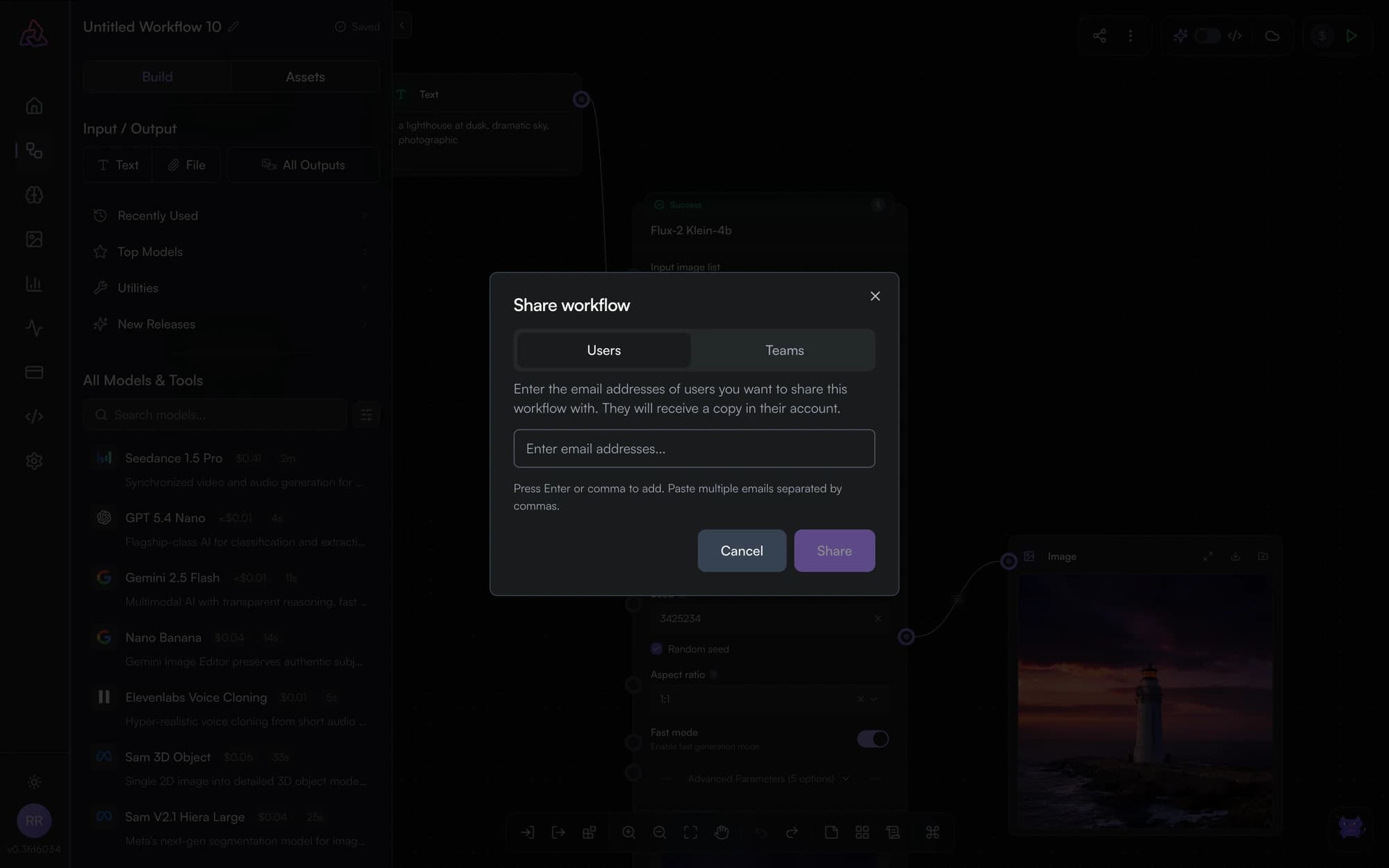
Share by email or team
Open the Share dialog from the editor's title bar:
- By email — invite specific users; they receive a notification and the workflow appears in their library.
- By team — share with your Segmind team so every member gets access.
Workflows save automatically, and a save is rejected if someone else has saved since you loaded the page — the first edit wins, and the second editor has to reload and redo. Keep one editor open per workflow. See auto-save and version conflicts.
Duplicate a workflow
Duplicate from the library (or the editor) to get an independent copy — useful for trying a risky restructure without touching the original, or for using a finished workflow as the starting point for the next one.
Export as a template
Turn a workflow into a reusable template others can clone:
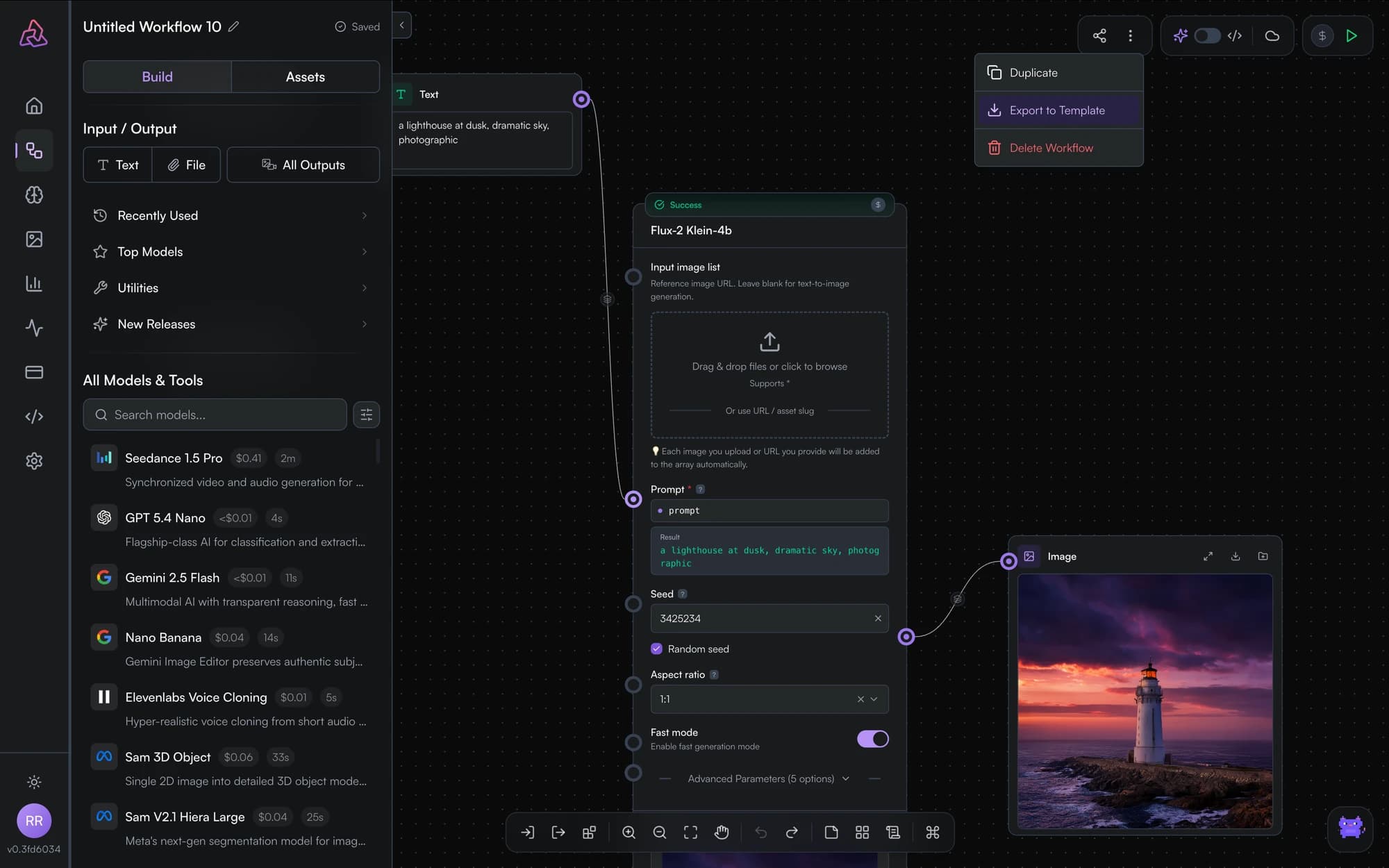
Templates carry the graph structure — nodes, connections, parameters — so the recipient starts from a working pipeline instead of a blank canvas. Learn more in templates.
AI Assistant
PixelFlow's in-editor AI assistant is in beta and not yet answering questions. The per-node Refine with AI tools work today.
Templates
Start from working AI workflow templates: browse the PixelFlow gallery, clone any template into your workspace, and customize it — no blank-canvas problem.