
Node Types
The five node types in PixelFlow — input, model, output, utility, and notes — and how data flows between them through ports and edges.
Workflows are built from five node types. Each does one job; edges move data between them.
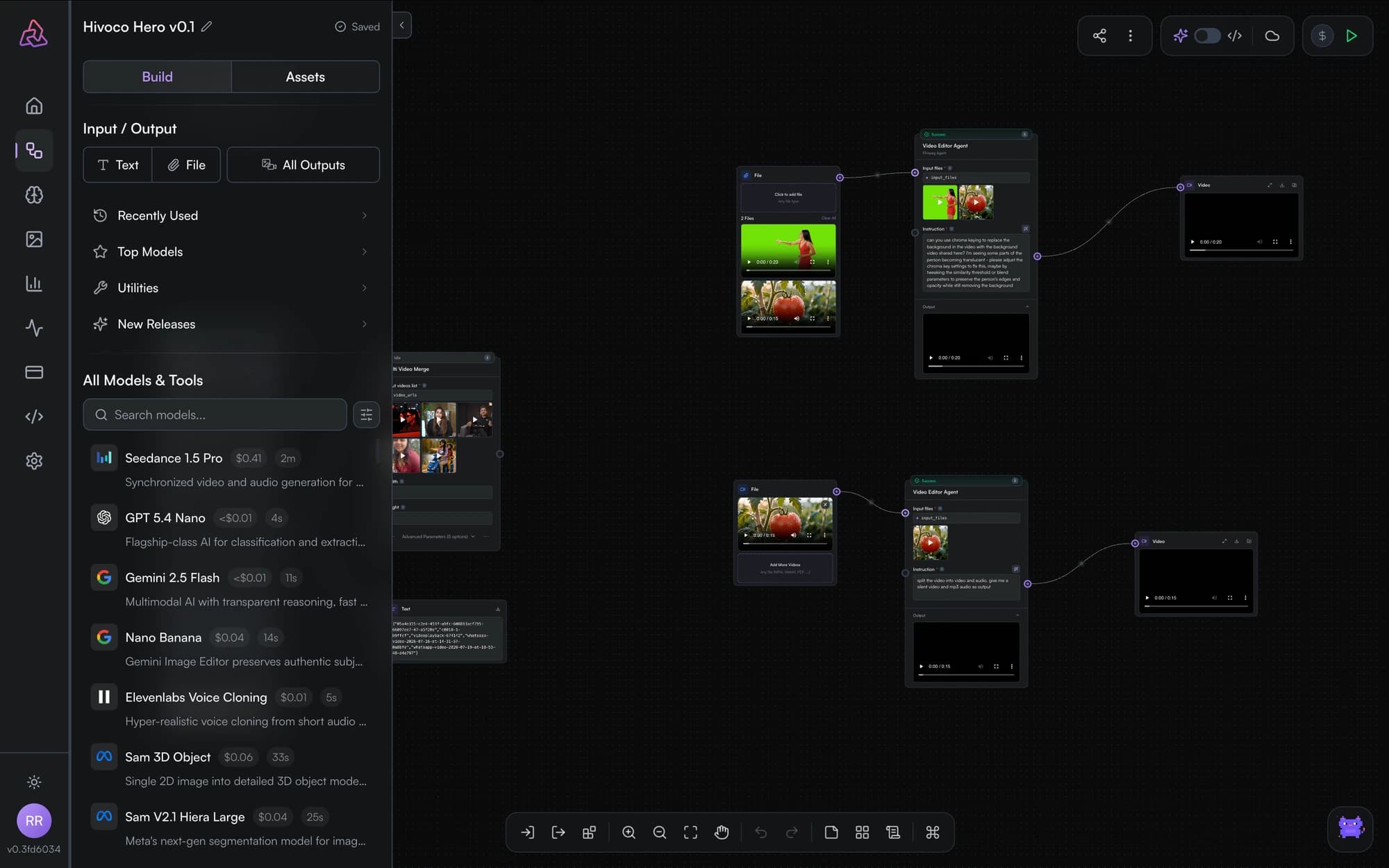
The node types
| Node | What it does |
|---|---|
| Input | Supplies values to the graph — text, numbers, JSON, booleans, or uploaded files (images, video, audio), including inpainting masks. |
| Model | Calls any model in Segmind's catalog — image, video, audio, and language models — with a parameter form generated from the model's schema. |
| Output | Displays results, automatically rendering images, video, audio, text, or 3D. |
| Utility | Transforms data between models: concatenate text, resize images, split text, join arrays. |
| Notes | Sticky notes for documenting the workflow. Notes never execute and are stripped from published APIs. |
Ports and connections
Data enters a node through input ports (left side) and leaves through output ports (right side). Drag from an output port to an input port to create an edge. A single output can feed any number of downstream inputs.
Some models expose more than one output port — for example, a video model may offer both the video and its last frame as separate outputs you can wire independently.
Choosing the right node
- Want a value you can change per run (and expose as an API parameter)? Use an input node rather than typing the value directly into a model's form.
- Need glue between two models — like combining two texts into one prompt? Reach for a utility node before adding another model.
- Anything a future reader (or teammate) might ask about? Leave a note.
The Editor
Tour the PixelFlow editor: the canvas, model search, asset gallery, logs panel, node configuration, run controls, auto-save, and undo/redo.
Model Nodes
Add any Segmind model to a workflow: search the catalog, configure parameters from the model's schema, see cost estimates, and send images to vision LLMs.