
Getting started
Find the Endpoints page in the Segmind console, deploy a model onto your own GPUs, and manage the endpoints you have running.
Dedicated endpoints run a model on GPUs reserved for you, rather than on the shared pool the AI Gateway uses. See the overview for when that is worth paying for.
Finding Endpoints
Sign in to the console and open Endpoints from the left nav.
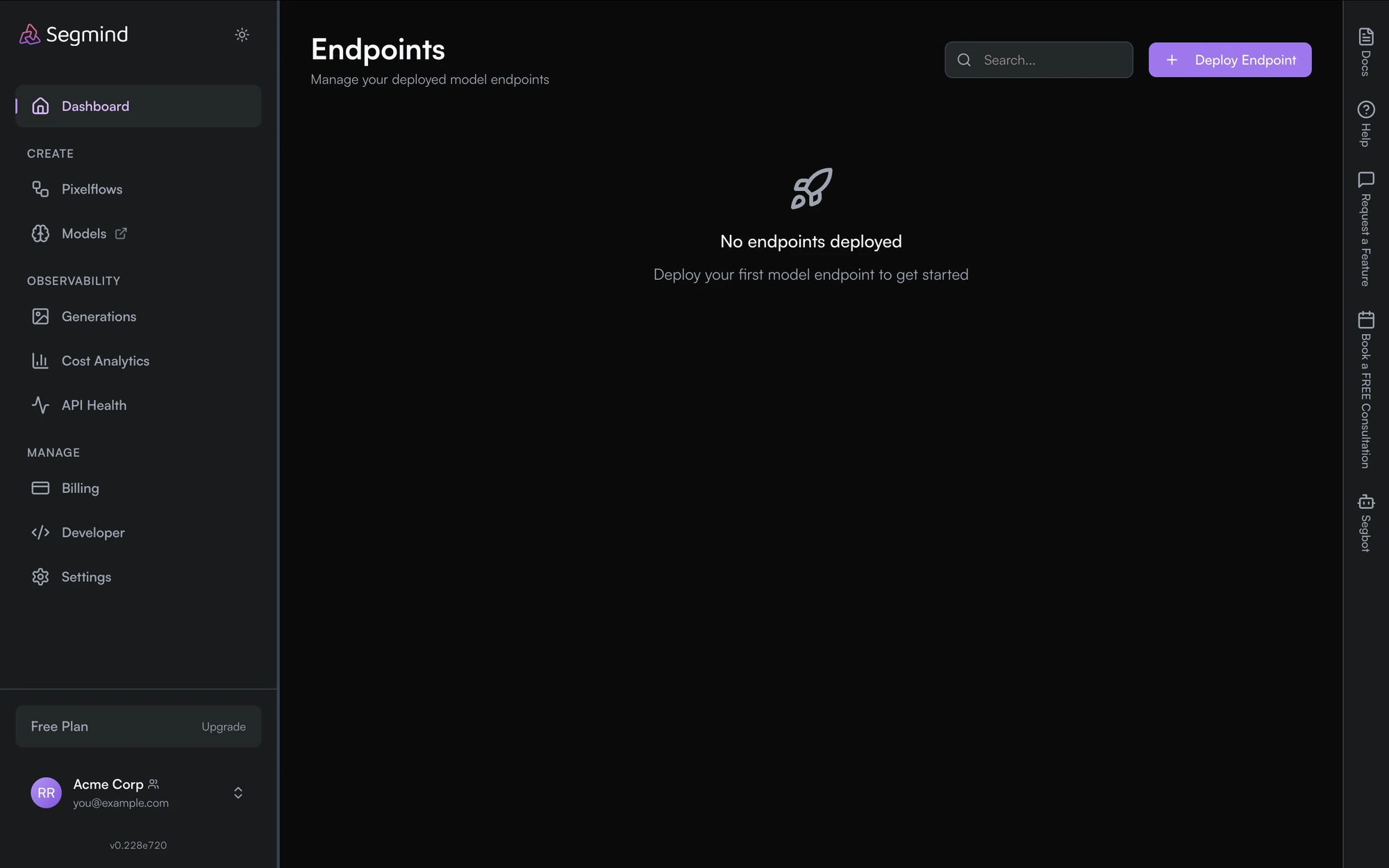
The page lists every endpoint you have running. Before you deploy one it shows No endpoints deployed; afterwards each row can be started, stopped or deleted, and carries a usage view broken down by time.
Deploy Endpoint, top right, starts a new one.
What you choose when deploying
Deploying asks for four things:
| Setting | What it decides |
|---|---|
| Model | which model runs on the endpoint |
| Endpoint URL | a name of your own, which becomes the address you call |
| GPU type | the card the model runs on — the larger the card, the higher the hourly rate |
| Baseline and autoscaling GPUs | how many are always on, and how many may spin up under load |
The instance panel shows the GPU, CPU and RAM you have selected along with the hourly rate, so the cost is visible before anything launches. Current rates are on the pricing page — they are not repeated here, because a number in the docs goes stale the moment hardware pricing moves.
A dedicated endpoint bills for the time it is up, not per request. A baseline GPU left running costs money whether or not you call it — stop or delete endpoints you are not using. The overview explains how baseline and autoscaling hours are charged.
Calling your endpoint
Once an endpoint is running, call it with your API key exactly like any other Segmind model. See Endpoint APIs for the request shape.
Dedicated Endpoints
Endpoints are GPU instances enabling AI models to be deployed on dedicated hardware . This enables private inferences that automatically scale up or down based on traffic.
Endpoint APIs
Endpoints can be managed via APIs as well as UI. Use the APIs to create/delete endpoints, update capacity or other configuration parameters for each endpoint.